




This article offers guidance on the process of resubmitting an application with a Request for Action, which is issued when the initial application lacks essential information or necessary documents for processing. The resubmission involves addressing the specific requirements outlined by the processing office.
Follow these quick steps to resubmit the application.
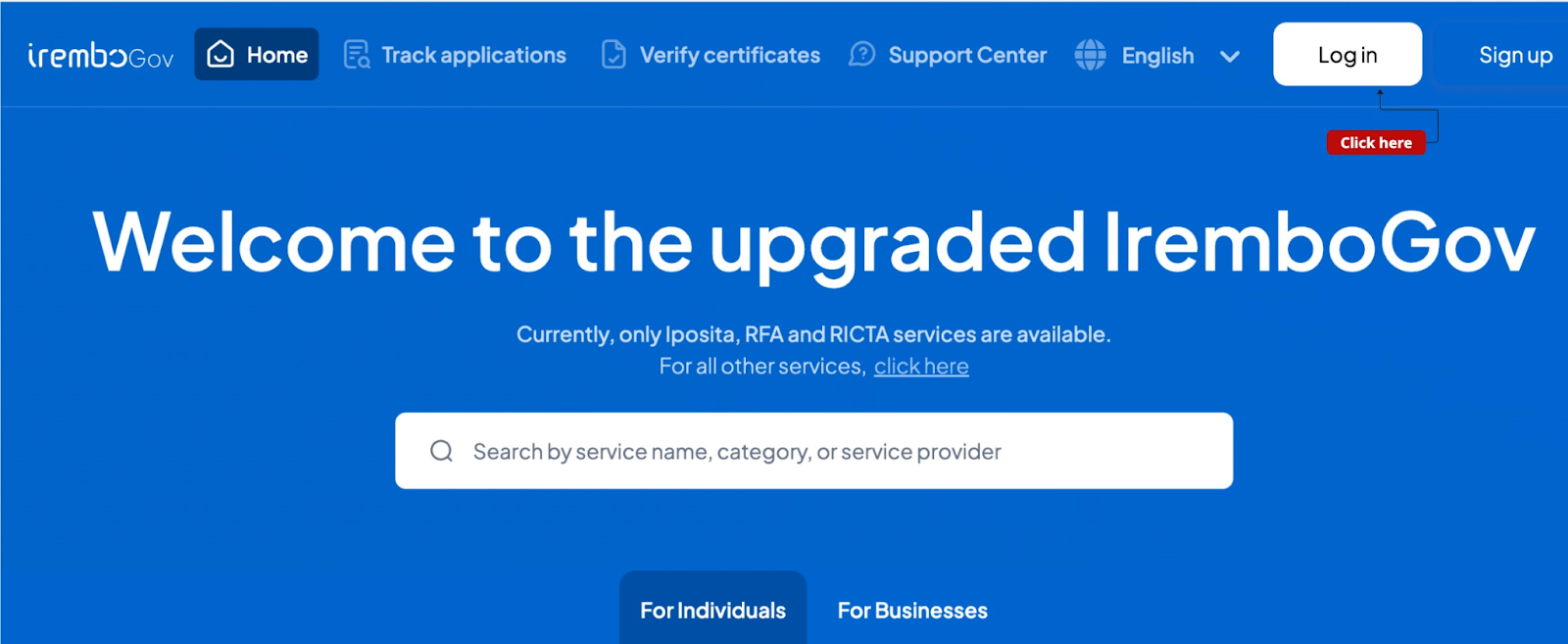
Step 1: Visit new.irembo.gov.rw and log in to your account
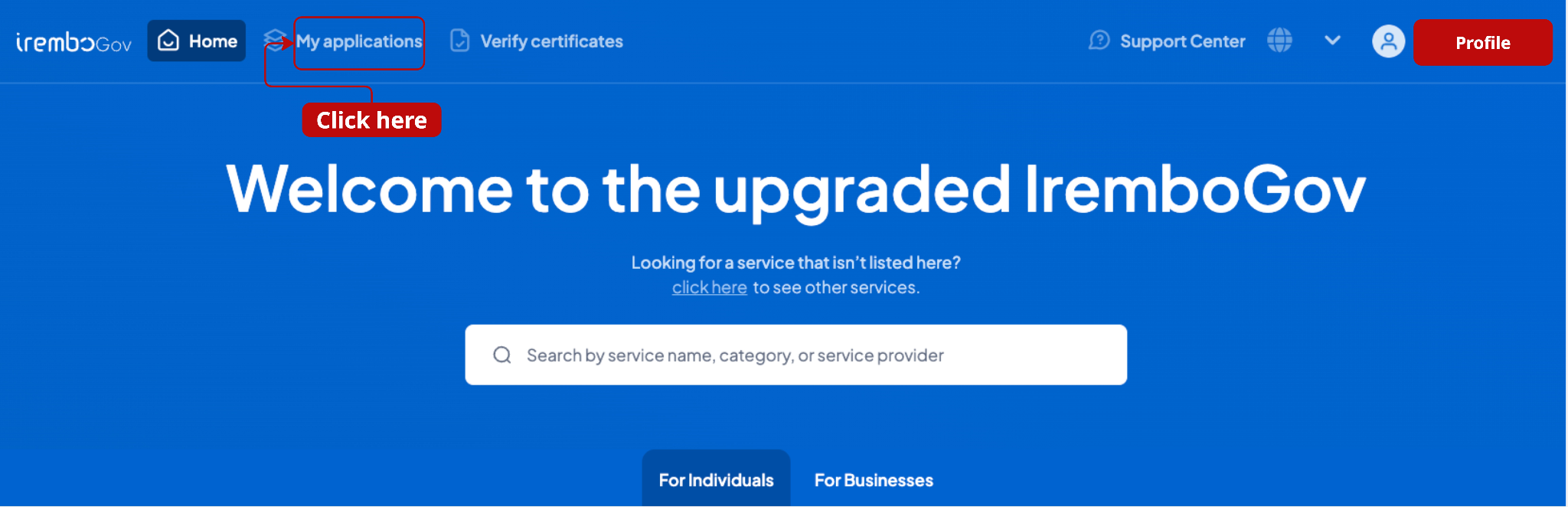
Go to “my application” to check the application list
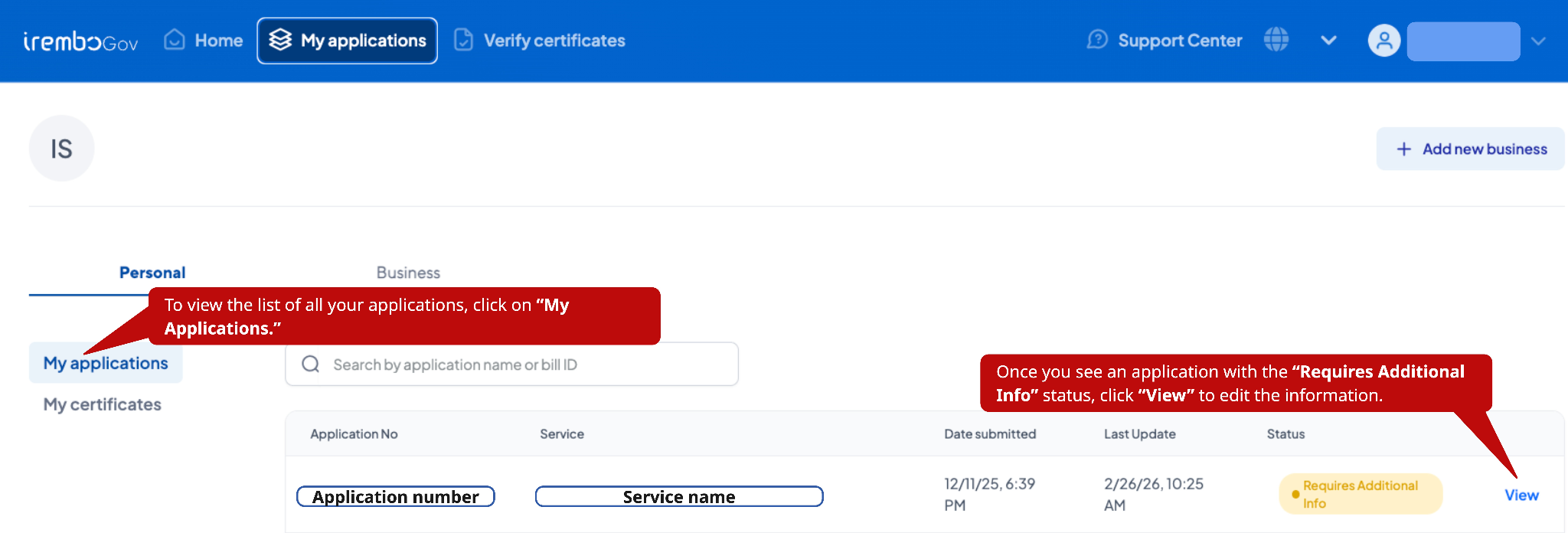
Under the listed application, check the one with “Requires additional info." Click on “View info.”
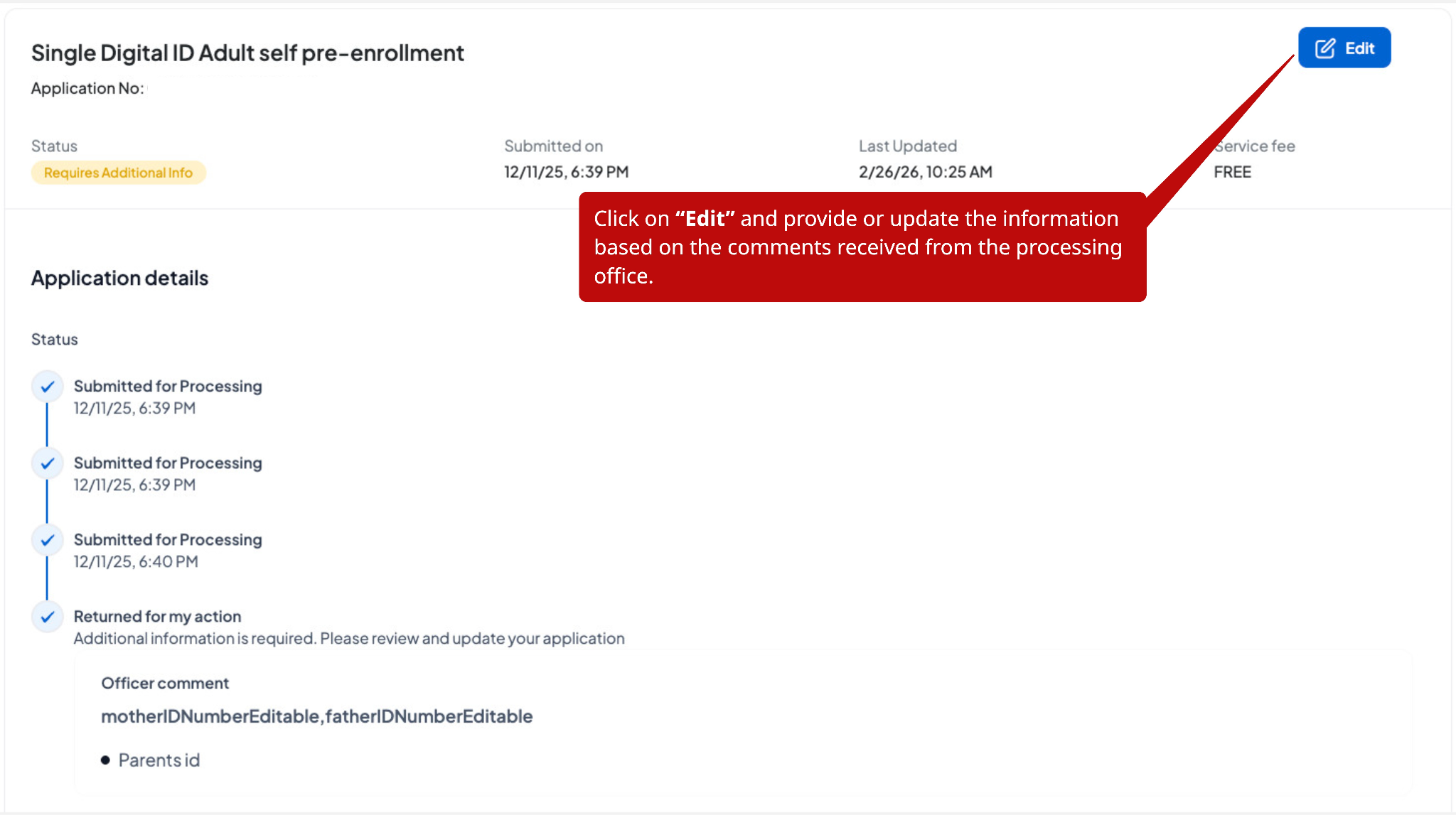
Click on "Edit" to be able to update your information
After completing the application, click “continue.”
Verify that all information is accurate, enter the applicant’s phone number and/or email address, check the verification box, and resubmit the application.
Once submitted, a confirmation message will appear indicating that the application has been successfully updated.
Was this article helpful?
That’s Great!
Thank you for your feedback
Sorry! We couldn't be helpful
Thank you for your feedback
Feedback sent
We appreciate your effort and will try to fix the article