



Do you have materials used in infrastructure projects that you want to get tested and you don't know where and how to start?
This is everything you need to know about requesting for laboratory and field tests.
A. What is a Laboratory and Field Test Request?
This test also called the Public works Laboratory and Field Test service is a service that allows you to request and pay for various laboratory and field tests conducted by the Rwanda Transport and Development Agency(RTDA).
B. Who is eligible for this service?
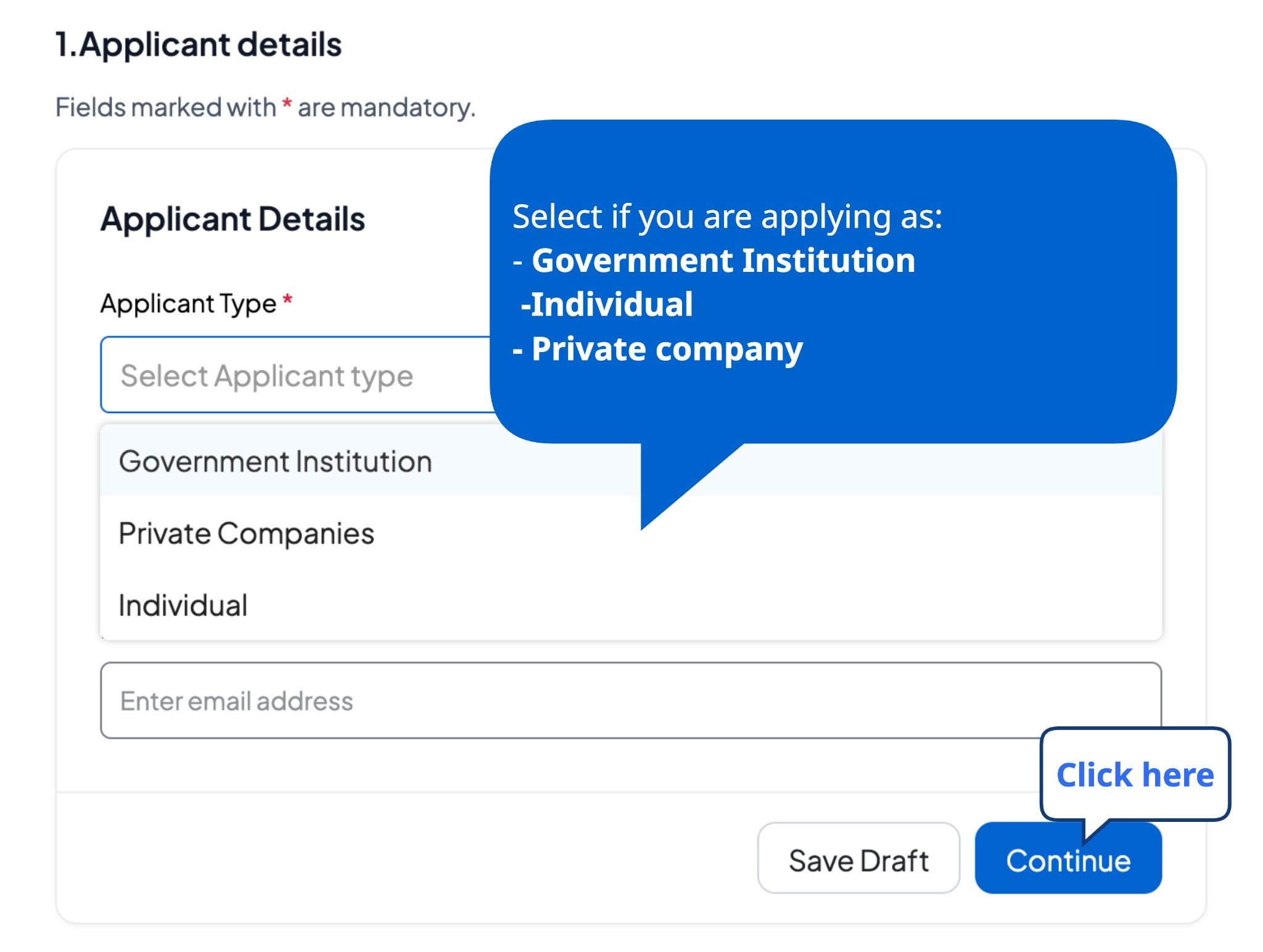
This service is designed for individuals, private companies, and government institutions seeking to test materials used in infrastructure projects.
C. What You Need to know and have Before You start applying
Here is all you need:
A valid national ID number for individuals
A company name for a private company
An institution name for a government institution
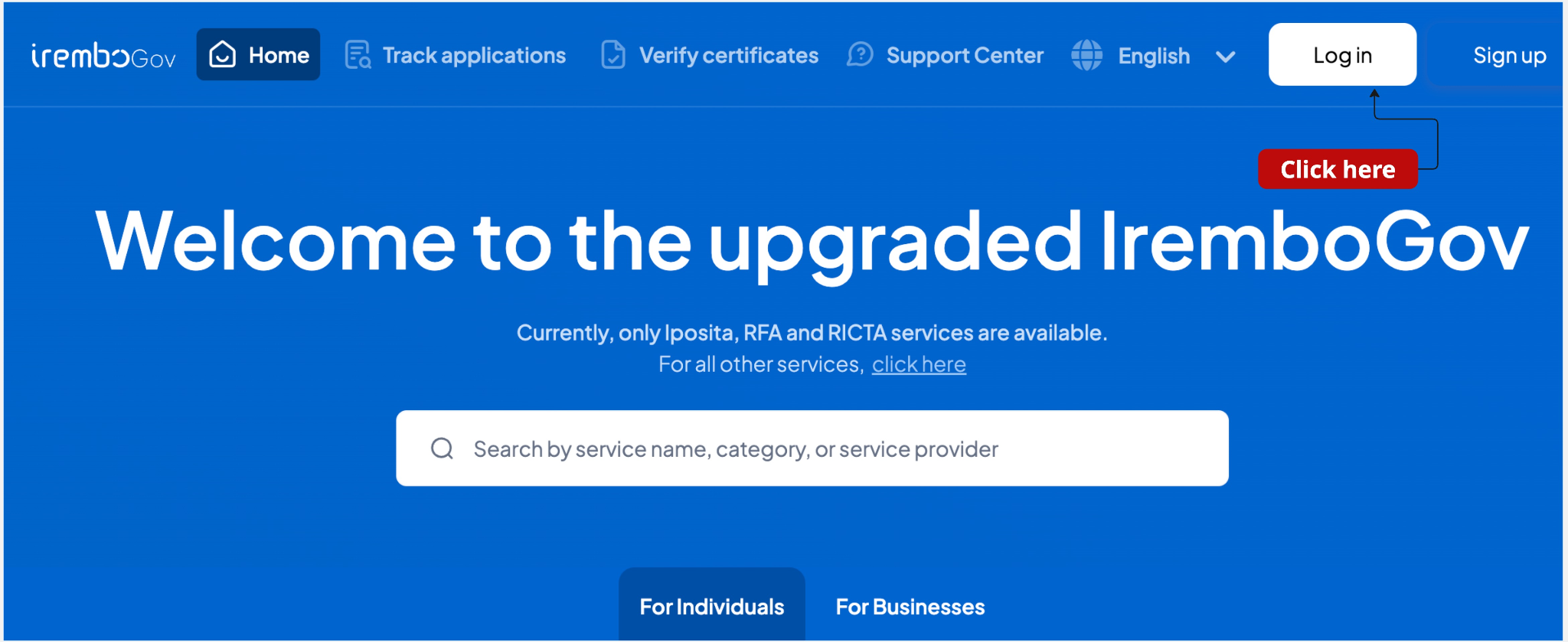
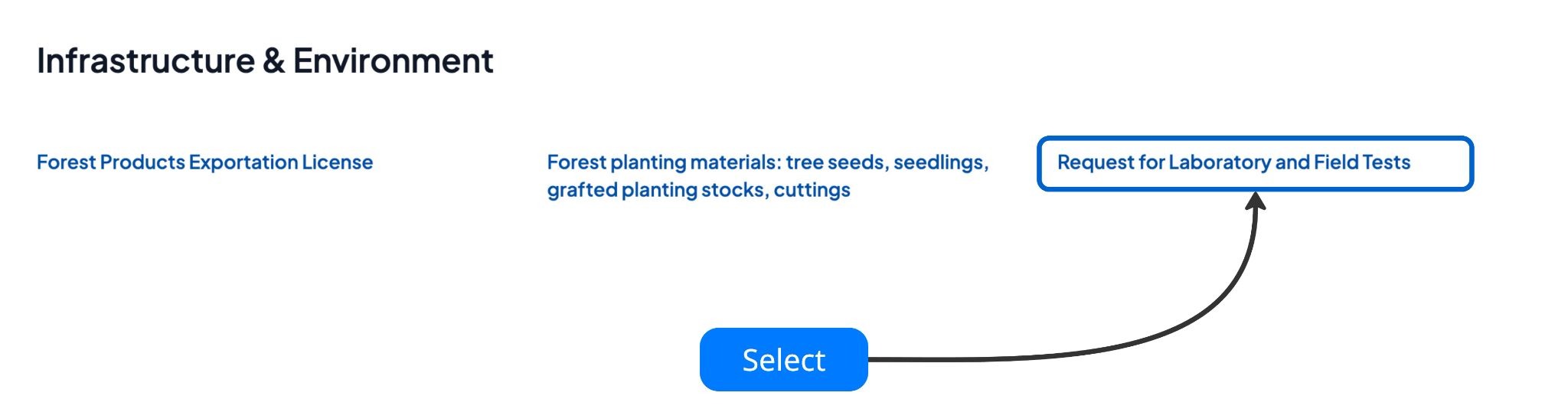
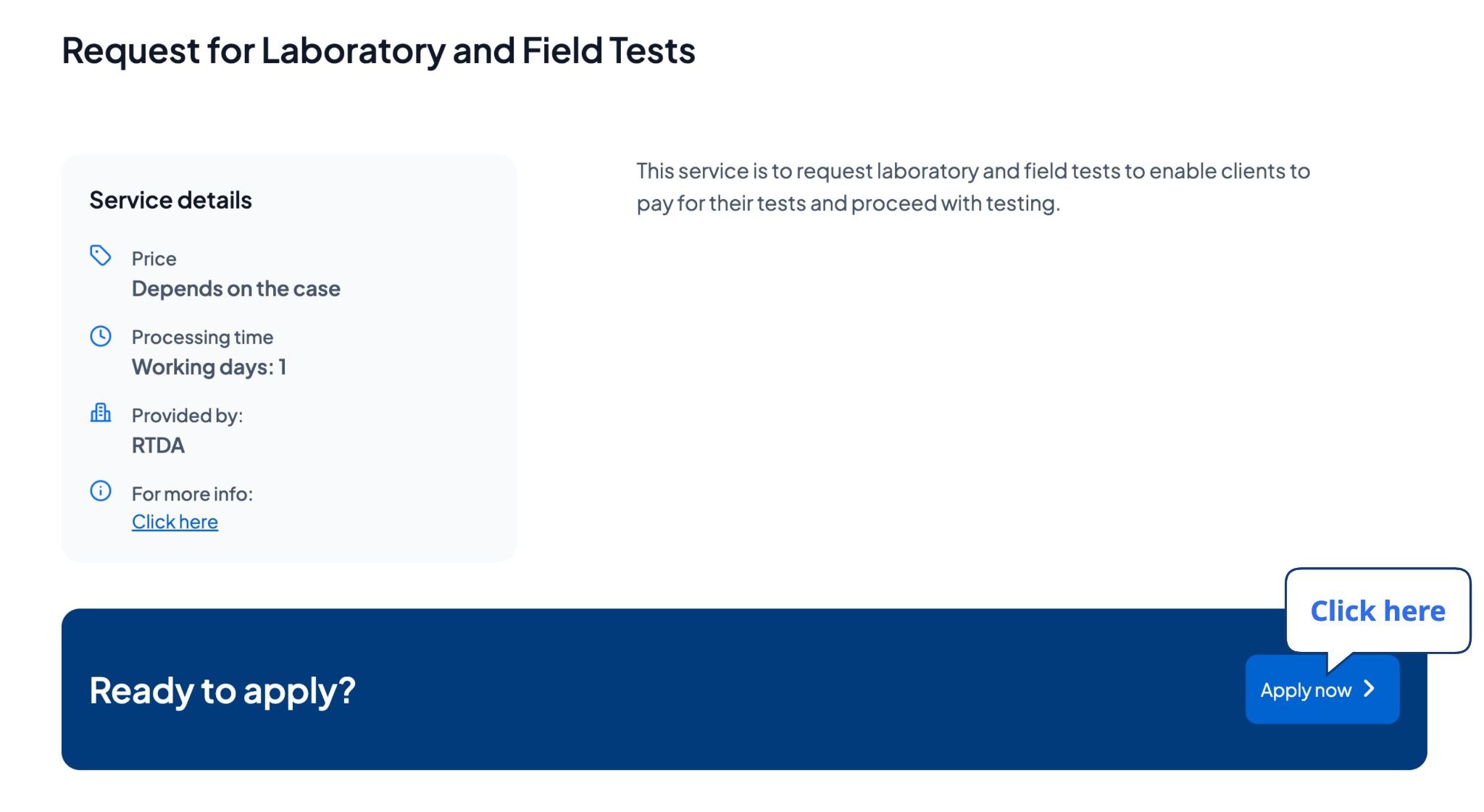
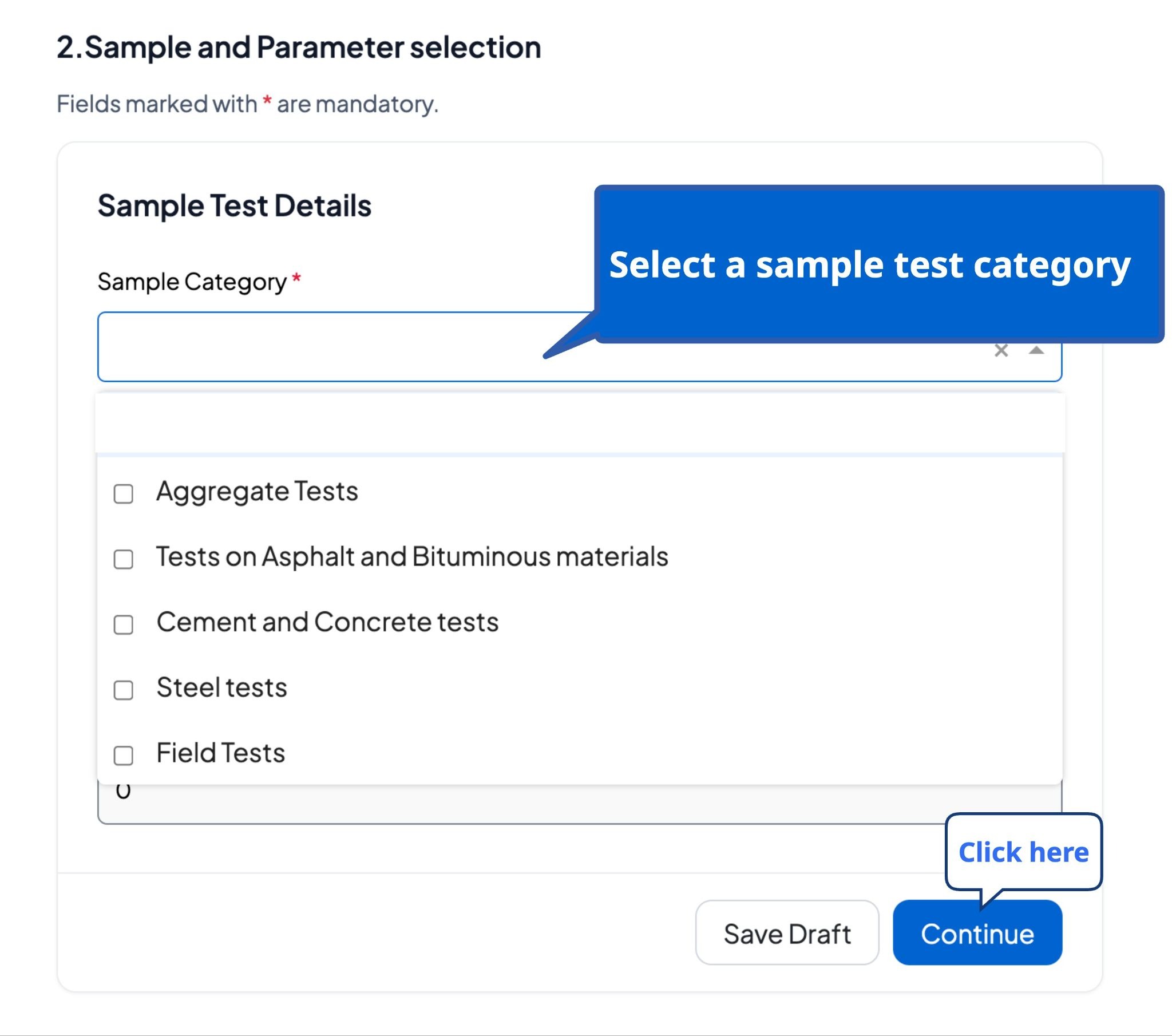
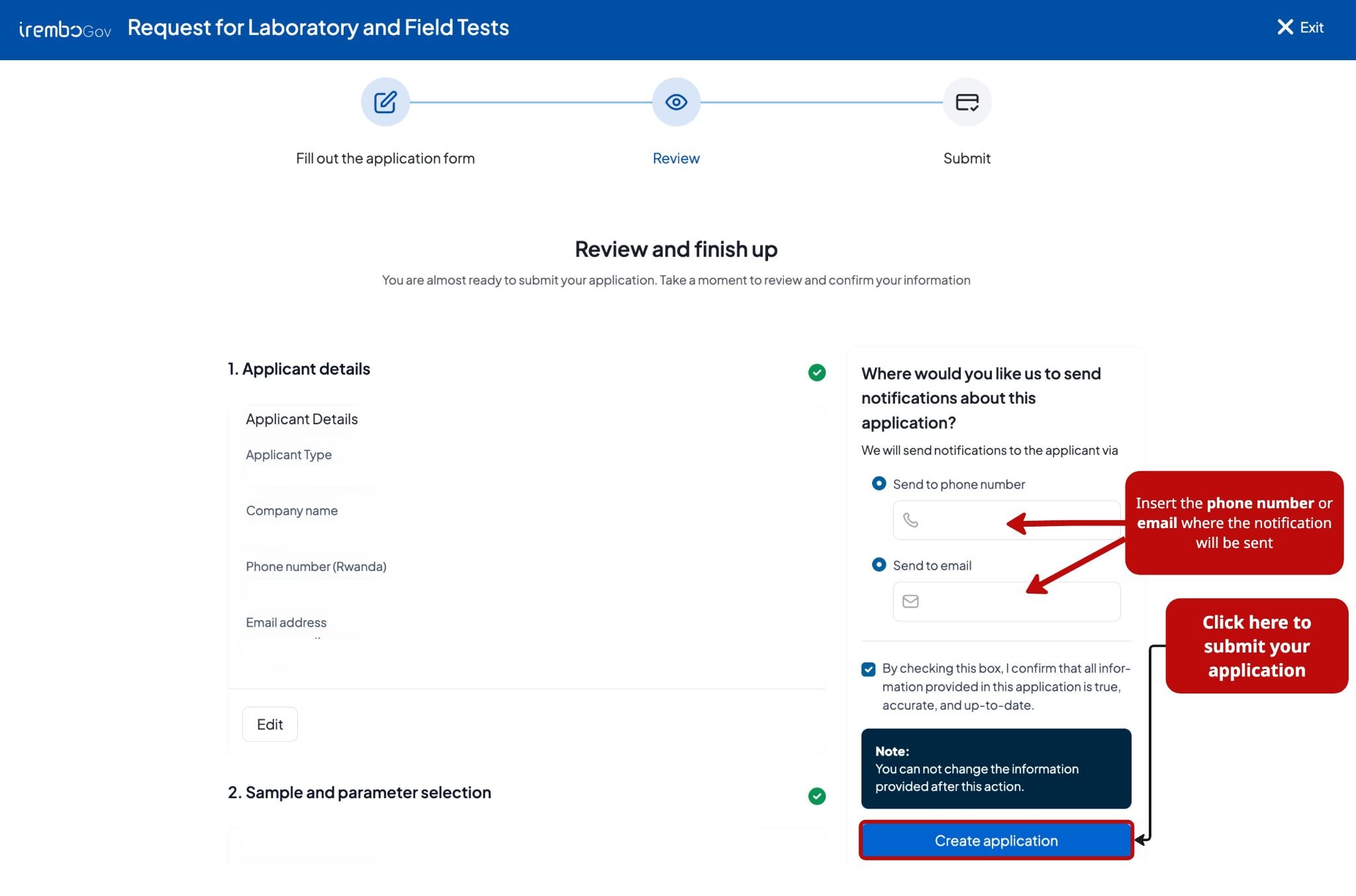
Here is a step-by-step on how you can easily request for laboratory and field tests:
D. What to expect after submitting your request for Laboratory and field tests
After submitting a billing number/ID(88…) will be generated, click pay.
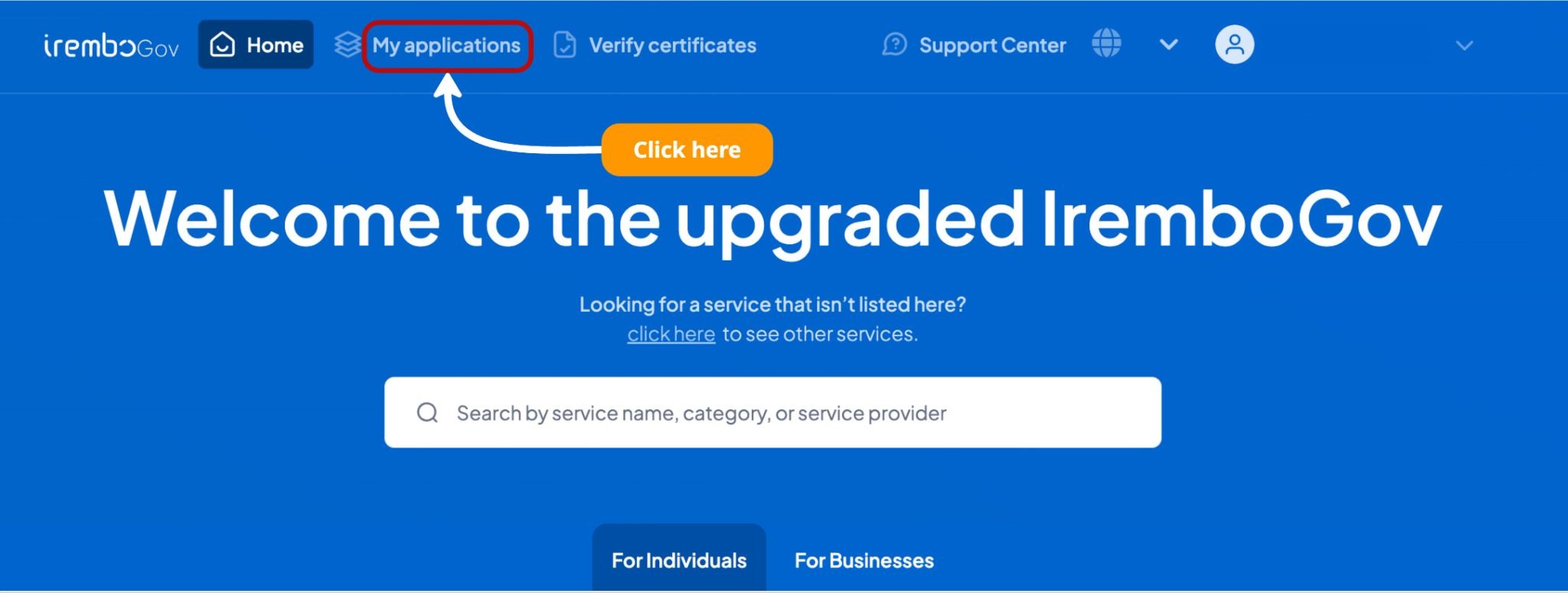
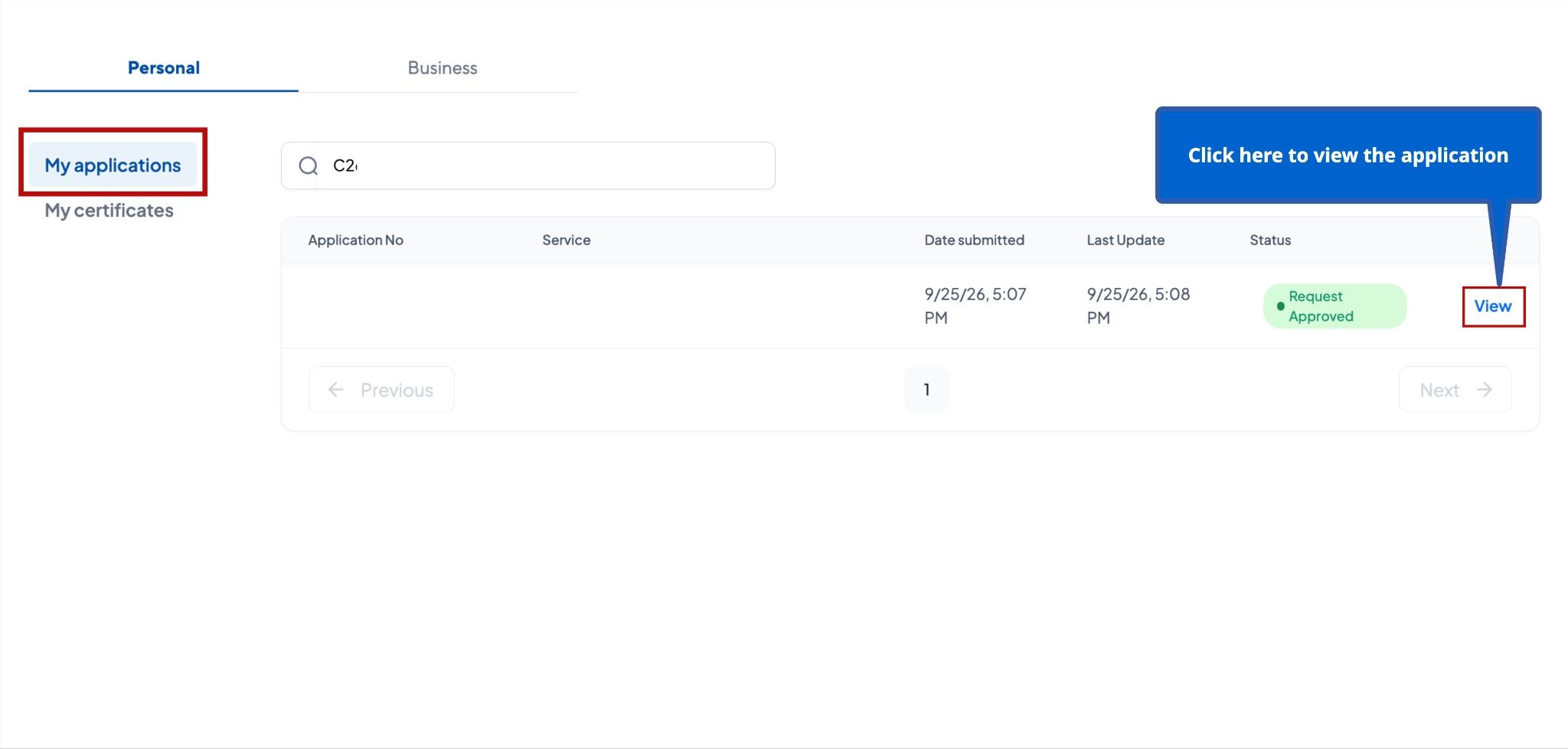
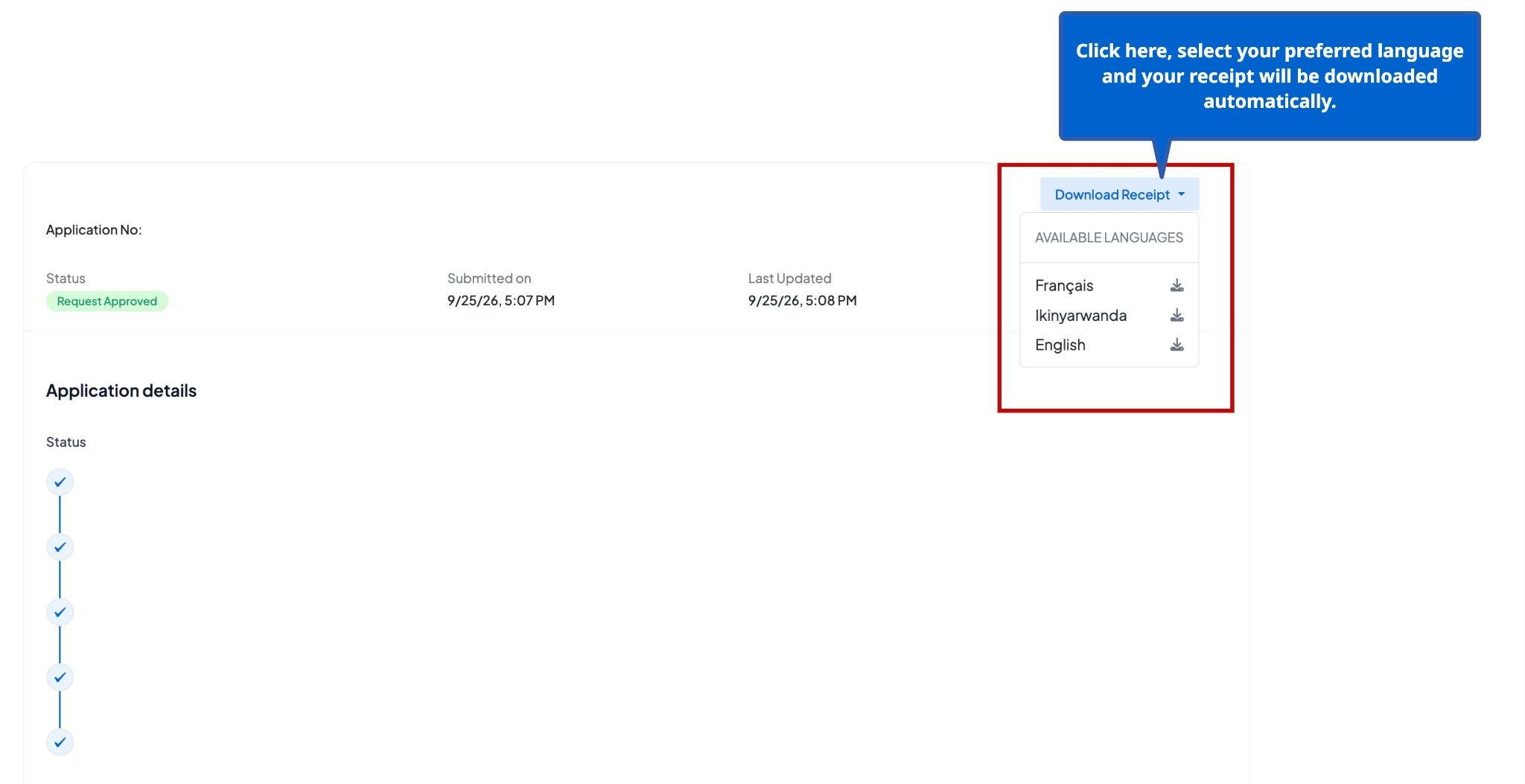
After applying and successfully paying, you will wait for a feedback notification from the Rwanda Transport and Development Agency (RTDA) about your application. A receipt can be downloaded on IremboGov using your application or billing number.
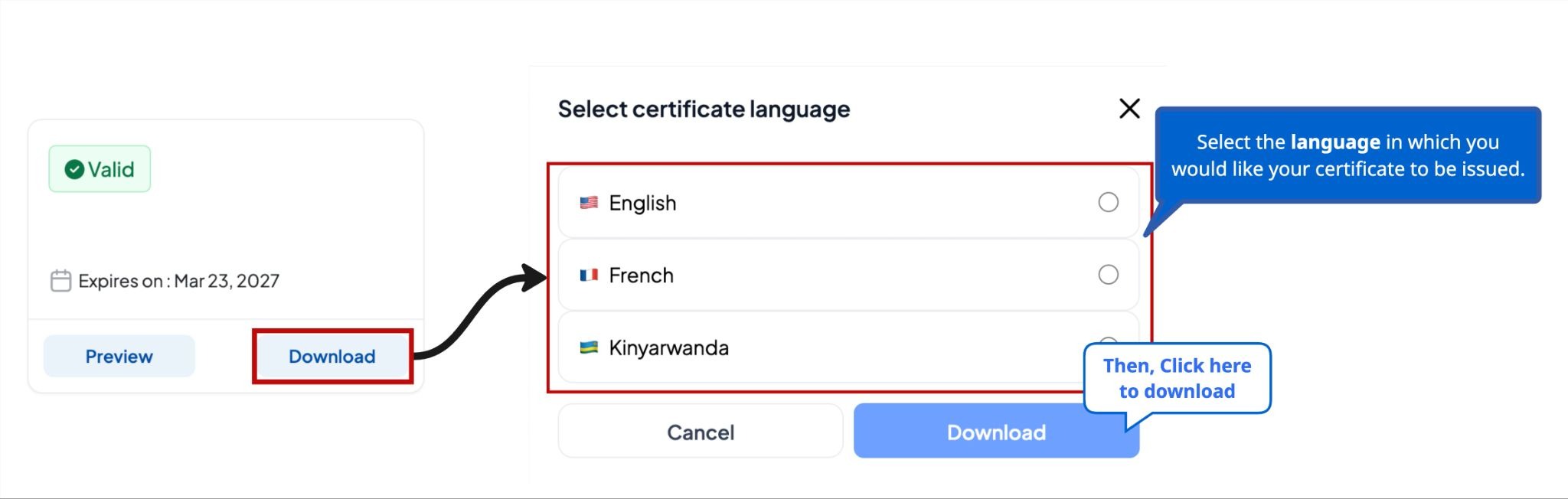
If the applicant also chooses to receive notifications through their email address, the permit will be sent to that address.
Ready to apply? Click here and submit your application instantly.
Was this article helpful?
That’s Great!
Thank you for your feedback
Sorry! We couldn't be helpful
Thank you for your feedback
Feedback sent
We appreciate your effort and will try to fix the article